Collection:
Network Switch Components
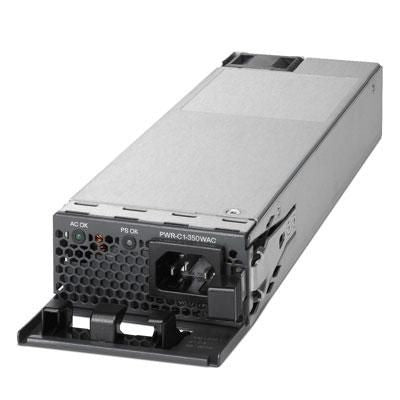
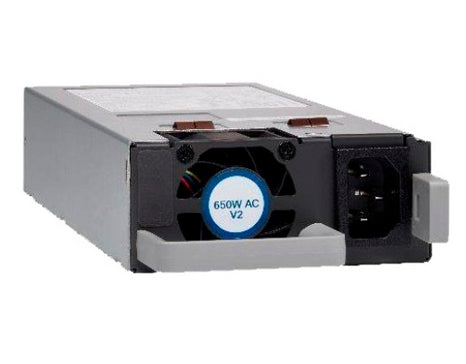
Network Switch Power Supplies & Mounting Ear Kits


Frequently Asked Questions
What specifications should I look for in network switch components?
When selecting network switch components, consider specifications such as port count, speed (e.g., 1GbE, 10GbE), and power over Ethernet (PoE) capabilities. Additionally, check for features like Layer 2/Layer 3 functionality, management type (managed vs. unmanaged), and the switch's maximum throughput to ensure it meets your business’s network demands.
How can I ensure compatibility between switch components and my existing network?
To ensure compatibility, verify that the new components support the same networking standards as your existing devices, such as Ethernet speed (e.g., Fast Ethernet, Gigabit Ethernet). Also, check for support of management protocols, such as SNMP, if you're using managed switches, and confirm physical connections such as SFP or RJ45 connectors.
What are typical use cases for different types of network switches?
Standard unmanaged switches are suitable for basic networking tasks in small offices, while managed switches are ideal for larger networks that require enhanced control and monitoring. Layer 3 switches are best for routing capabilities between different subnets, which is crucial for complex network architectures. Choosing the right type depends on your specific networking needs and scale.
What’s the difference between managed and unmanaged network switches?
Unmanaged switches provide basic connectivity with no configuration options, making them easy to use for small networks. Managed switches offer advanced features like VLAN support, traffic monitoring, and remote management, allowing for better control of network traffic and security. If your business requires scalability and flexibility, a managed switch is recommended.
What factors should influence my decision when purchasing network switch components?
Consider your current and future network needs, including the number of devices, required bandwidth, and whether PoE is necessary for powering devices like IP cameras. Budget constraints also play a role; higher-tier switches offer more features but at a greater cost. Evaluate warranty, support options, and reviews to make an informed decision.
How do I determine the right number of ports for my network switch?
To determine the correct number of ports, assess your existing devices and anticipate future growth. Count all devices that will connect directly to the switch, such as computers, printers, and access points, and add extra ports for flexibility, ideally 20-30% more than current needs. This ensures adequate capacity as your network expands or as devices change.